Front of house isn't just seating guests — it's running the whole shift
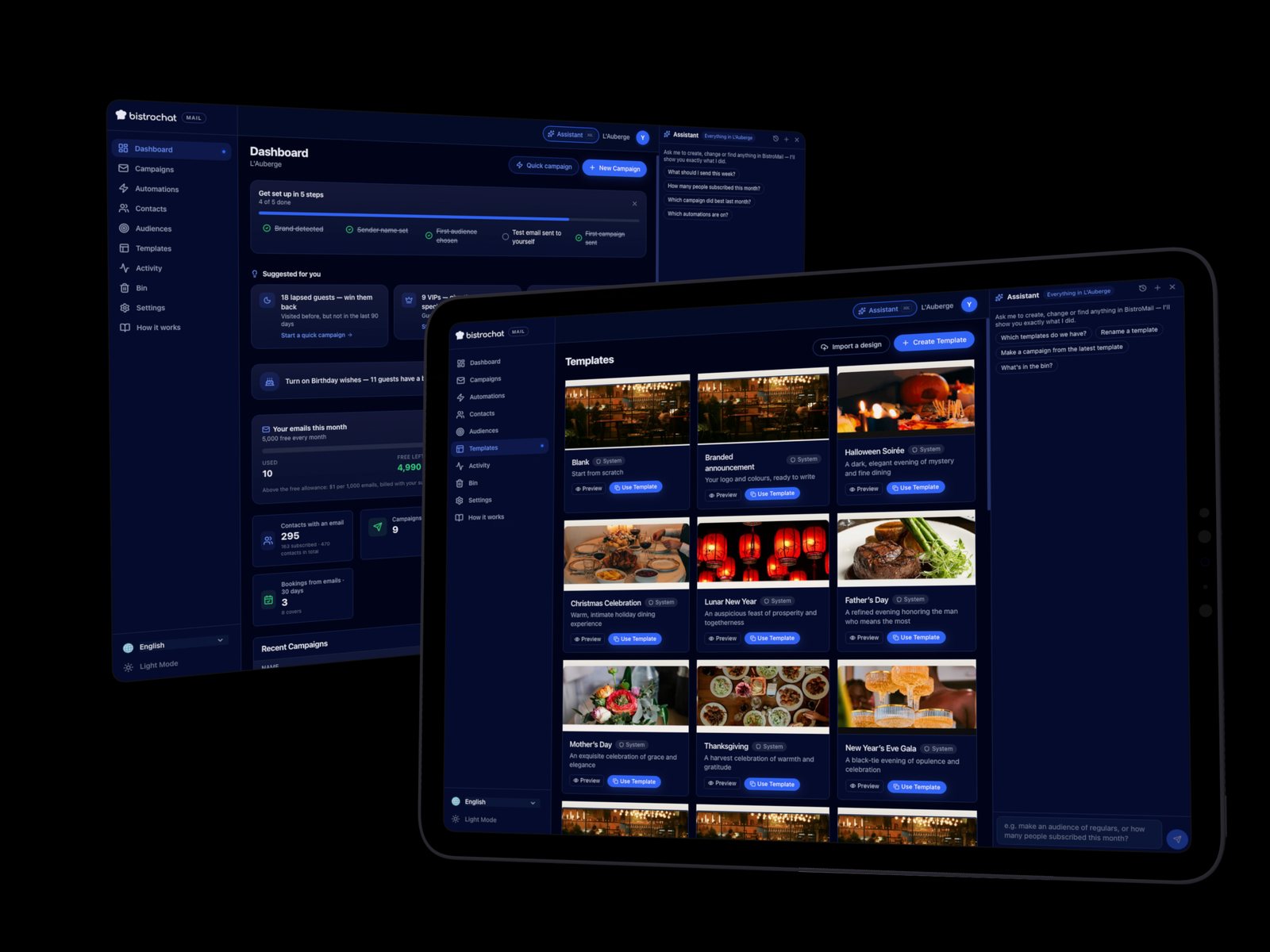
A good host stand isn't a clipboard and a smile. It's the place where a restaurant's opening hours, its kitchen's pace, its no-show risk, its VIP relationships and its last-minute flexibility all get decided in real time, service after service. Most reservation systems give front of house one job: take the booking. Bistrochat gives it a control room — every lever a manager needs to shape a shift, not just record it, in one screen.
Opening times and slots: decide exactly when and how many people can book
You set your own service windows, your own slot lengths, and how many tables or covers are open in each one — down to the individual timeslot if you want that level of control. Change it for one Tuesday without touching every other day, or roll it out across the week. The system enforces whatever you set the moment a guest tries to book, on any channel.
Seating by party size, optimized automatically
Every table has a size, every booking has a party size, and Bistrochat matches them so a two-top isn't quietly blocked all night by a party of one, and a six-top doesn't sit half-empty when three separate two-tops would have covered the same demand. The system proposes the fit; your team can always override it, but the starting point is already the efficient one.
Filter and reorder the floor list your way — VIPs first, by party size, however you need
The live reservation list isn't a fixed grid. Filter it by VIP status, by party size, by time of arrival, by reconfirmation status, by birthdays and other occasions — then reorder it so the view in front of your host matches what matters most for that particular shift. Some nights that's "who's arriving next." On a night with three VIPs booked, it's "show me those three first."
Pacing: capping covers per timeslot to protect the kitchen and the door
Pacing lets you cap how many covers land in any given timeslot, independent of how many tables are physically free. That keeps the entrance from clogging with five parties walking in at once and keeps the kitchen firing at a pace it can actually hold through the night, instead of getting buried at 8pm and coasting at 9.
Deposits and card guarantees where no-shows actually cost you
For the bookings and time slots where a no-show really hurts — a Saturday night, a large party, a holiday sitting — you can require a deposit or a card guarantee before the reservation confirms. Bistrochat now takes WeChat Pay, Alipay, PromptPay, PayNow, GrabPay, Apple Pay, Google Pay and the major cards, so the guarantee doesn't get lost in translation depending on which market you're in. The full rundown of what's supported where is in Restaurant Deposit Payments: Bistrochat Now Accepts WeChat Pay, Alipay, PromptPay, PayNow and GrabPay.
Automatic reconfirmation — and a live status so you know exactly where every booking stands
Reconfirmation messages go out automatically by email, WhatsApp or SMS ahead of the reservation, so your team isn't manually dialing down a list the afternoon of service. What matters just as much is what comes back: a live reconfirmation status per booking, so at a glance you can see who confirmed, who didn't pick up, who has a number that's no longer valid, and who's flagged that they'll be running late. That status is one of the filters on the floor list itself — pull up exactly the bookings that still need a phone call, and leave the rest alone.
Check guests in as they arrive — even before their table's ready
Guests get marked as checked in the moment they arrive, whether or not their table is ready yet. That gives you their arrival time, how long they've been waiting, and their position in the arrival order — so when a table opens up, you know who's actually been standing at the door the longest instead of guessing. It's what lets a host seat the first complete party promptly rather than the first name on a list from an hour ago.
Partially arrived, partially seated: the whole team sees the real state of every party
A party of six where four people are at the table and two are still parking the car isn't the same as a fully seated table or an empty one — and treating it like either creates real service mistakes: a course fired too early, a drink order taken twice, a table marked free that isn't. Bistrochat tracks that in-between state directly, so servers, hosts and kitchen are all looking at the same real picture of who's actually in their seat.
One floor plan for a Tuesday, a different one for Valentine's Day
Your Tuesday layout and your Valentine's Day layout don't have to be the same file with tables dragged around at the last minute. Keep multiple floor plans on file — a standard weekday layout, a two-top-only layout to maximize a high-demand night, a private-event layout — and let Bistrochat apply the right one automatically for a specific date or a recurring occasion. Full detail on how that's structured is in Multi-Floor Plan Management in Bistrochat: One Restaurant, Many Layouts.
Widen or tighten your cutoff for last-minute bookings, on demand
How close to a service time a guest can still book online is your call, and it doesn't have to be fixed. Tighten the cutoff on a slammed Saturday so the kitchen isn't blindsided by a booking that lands twenty minutes out, or open it right up on a slow Tuesday to catch every walk-in-turned-booking you can get. It's a setting you control, not a hard rule baked into the system.
Chits at the host stand, so the floor is briefed before anyone sits down
Before a table sits, a chit prints at the host stand with that guest's profile — VIP status, allergies, occasion, preferences — so whoever greets them already knows who they're seating. It turns "surprise, it's their anniversary" into something your team saw coming. The full feature is covered in Chits: Guest Profile Tickets That Get Your Front of House Ready Before Guests Sit Down.
The guest timeline: seeing the shift's flow before it happens, and staffing to match
The guest timeline lays out exactly how covers are expected to move through the shift — when parties arrive, how long they typically stay, when tables turn. That's not just a scheduling nicety: it's what tells you to put an extra person on the door at 7:30 and pull someone into the dining room to help serve at 8:15, instead of reacting to a rush after it's already backed up the floor.
Live guest list, live payment status — know the moment someone's paid, thanks to POS sync
Because Bistrochat syncs with your POS, the live guest list doesn't stop at "seated" — it shows you when a table has actually settled its bill, in real time. Front of house can see at a glance which tables are still eating, which have paid and are lingering, and which are genuinely free to turn, without walking the floor or radioing the kitchen to ask.
Let AI do the guest research for you — VIP and influencer profiling from public data
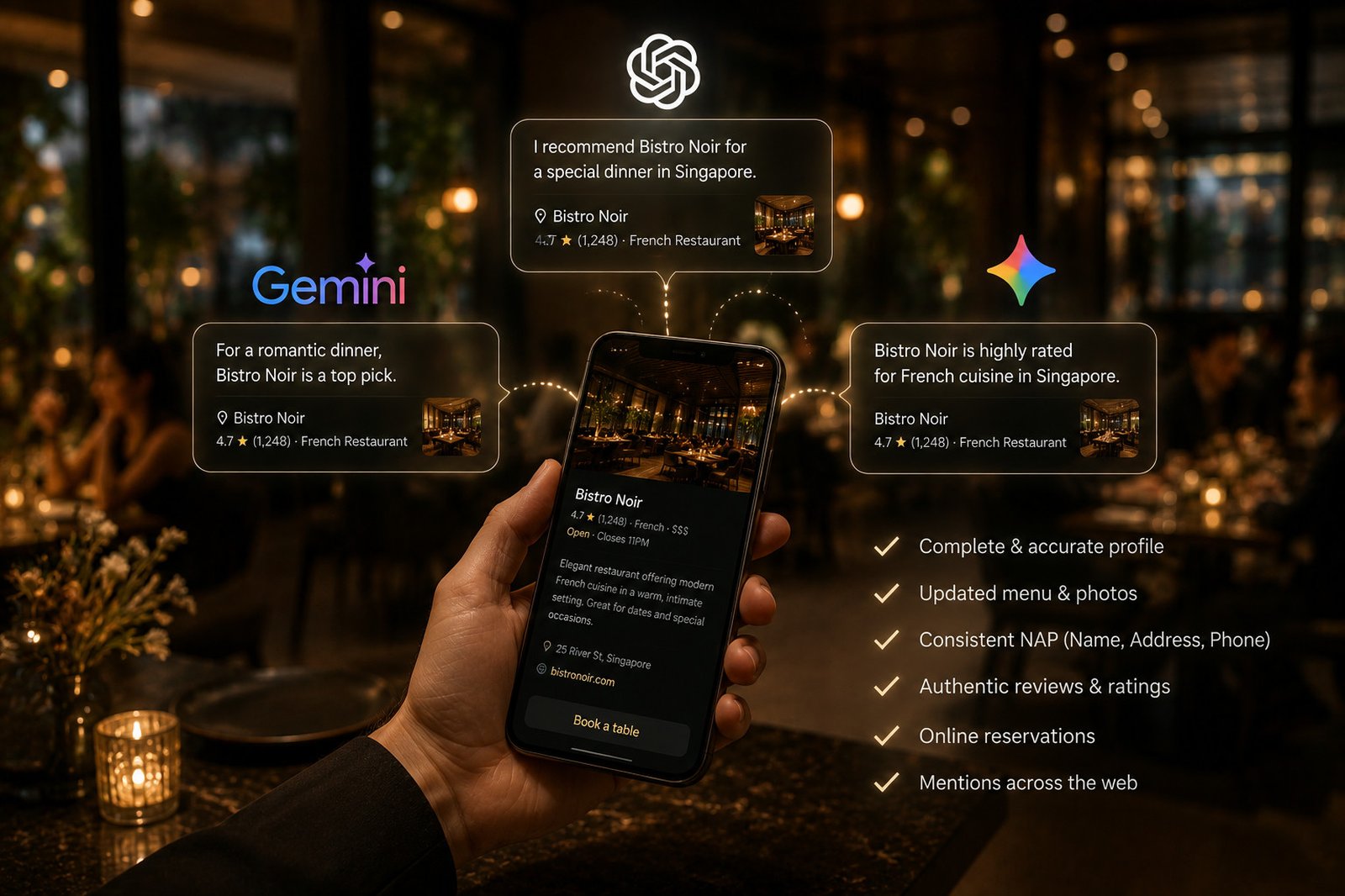
When a booking comes in, Bistrochat's AI checks public data on the guest so your team doesn't have to — flagging when someone booking tonight is a VIP, an influencer, or otherwise worth knowing more about before they walk in. No one on your team needs to quietly Google a name or scroll LinkedIn between covers; if there's something public worth knowing, it's already on the booking.
Loyalty status at a glance — tier, points, synced by API, without leaving Bistrochat Manager
If your restaurant runs a loyalty program, Bistrochat's API connection surfaces a guest's membership the moment they book: their tier — gold, platinum, whatever your program uses — and their points balance, right there on the reservation. Your host stand doesn't need a second login to a separate loyalty portal to know who's walking in as a top-tier member.
Every guest's history on the booking page itself — across your whole restaurant group
Open a guest's booking and you see their past bookings, cancellations and no-shows, their lifetime spend and their spend per visit or per cover, plus their past orders and past reviews — without leaving the page to dig through a separate report. And because Bistrochat's CRM works at the group level, that history isn't locked to the venue where the guest happens to be booking this time; a guest who's visited three of your five locations shows up as one guest with one history, not three strangers. More on how that works across venues is in Multi-Venue Restaurant Group Management: One Account, Every Location, and the CRM side of guest history is covered in full in Bistrochat CRM: The Ultimate Guest Relationship Management Solution.
Notes attached to the day, not buried in a group chat
Staff notes live on the specific day they matter for — a stock shortage, a shift change, tonight's priority — visible to the whole floor team without getting mixed into live order tracking or lost three days down in a WhatsApp group. Whoever's on the floor that day sees exactly what they need to know for that day, and nothing else.
One backend, every channel's opening hours
Whether a guest is checking your hours on your website, asking your WhatsApp assistant, or messaging you on Instagram, the answer comes from the same place: one backend where you set opening hours once. Change a holiday closure or a special late-night sitting in one spot and it's correct everywhere a guest might ask, instead of updating five different profiles and hoping you didn't miss one.
Events with their own rules, seating times and add-ons, built in
A wine dinner, a holiday brunch, a one-night chef takeover — these don't run on your normal booking rules, and they don't have to. Create an event directly in Bistrochat with its own terms and conditions, its own seating times, and ordering options attached, fully integrated with the same booking system rather than bolted on through a separate ticketing tool. The full picture is in Drive More Guests with Bistrochat's Event Management System.
FAQ: Running front of house from Bistrochat
Do I have to turn on every one of these controls, or can I use just a few? Every lever here is independent. Use pacing without touching cutoff windows, take deposits without setting up loyalty sync — turn on what your restaurant actually needs and leave the rest off.
Does filtering and reordering the floor list change anything for the guest? No. It's entirely host-side — a way for your team to view the same bookings in the order that matters for that shift. The guest's reservation itself doesn't change.
How is "partially arrived" different from a table just being marked seated? Seated means everyone in the party is at the table. Partially arrived means some are there and some aren't yet — a distinction that matters for timing food and drink orders correctly instead of guessing.
If your front of house is still juggling a whiteboard, a separate loyalty app, and a phone call for every reconfirmation, get in touch — one control room, one shift, no guesswork.