"We're full" doesn't have to mean "goodbye"
Every restaurant turns guests away on a Friday night. The question is what happens to them next. Without a waitlist, they're gone — booked somewhere else, or just not coming back this month. With one, they're still yours: on a list, expecting a text, and often seated within the hour once someone else cancels.
A waitlist doesn't create more tables. It makes sure every table that opens up gets filled by someone who already wanted to be there.
What actually happens when a guest joins
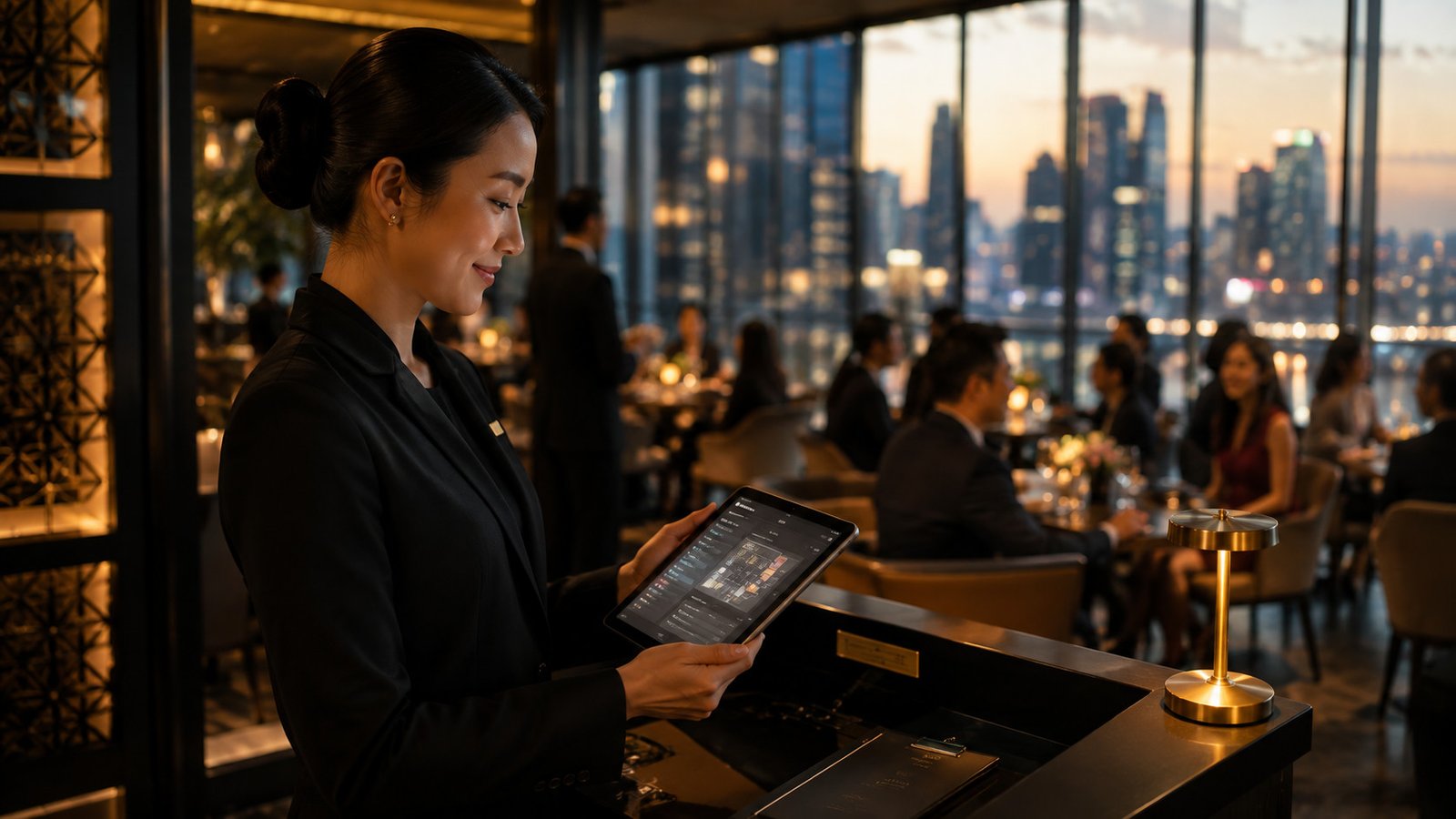
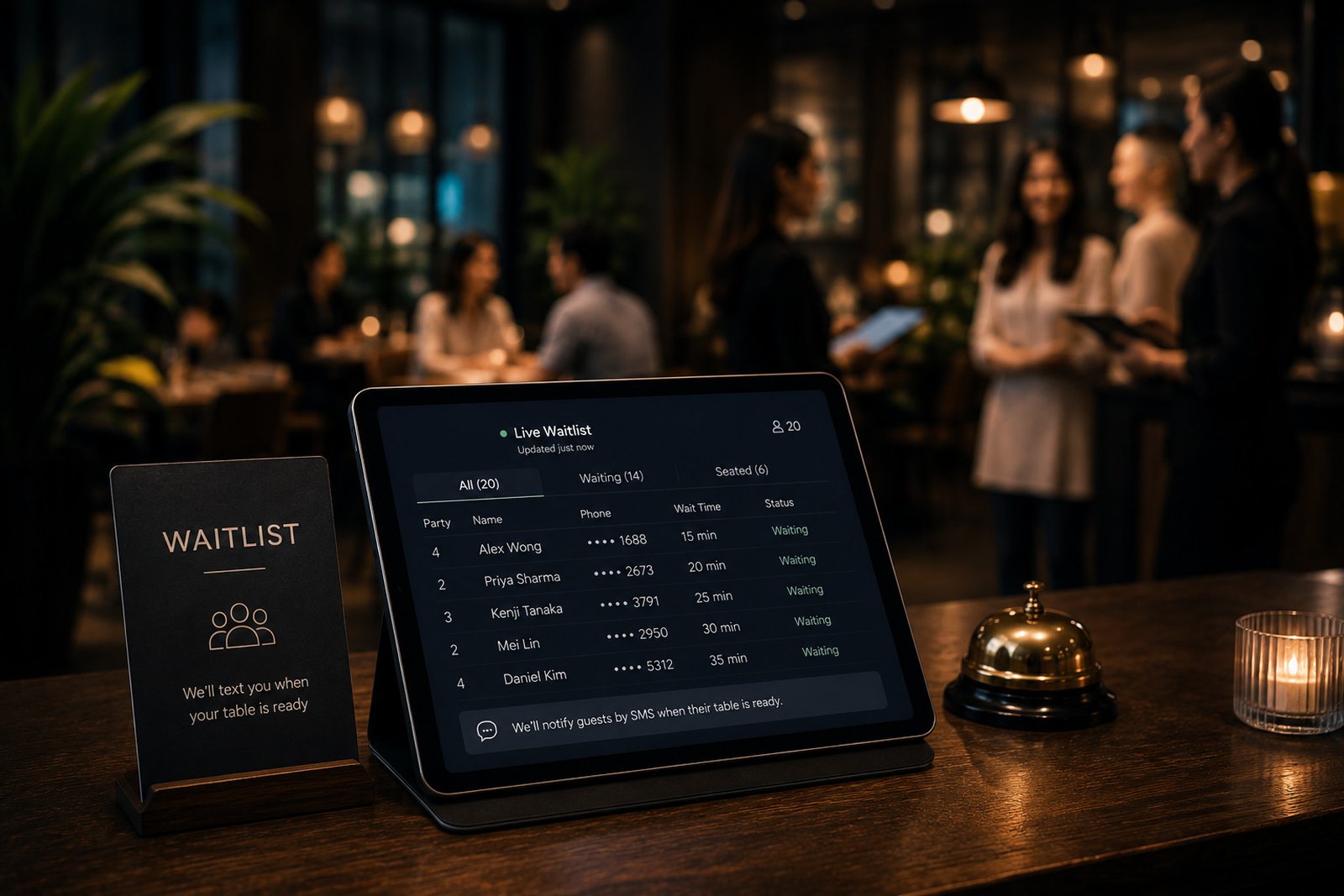
A guest who can't get the slot they wanted — online, on the phone, or standing at your host stand — joins a digital waitlist instead of being told to try somewhere else. Bistrochat keeps that queue live against the same floor plan as every other booking channel, so your host isn't juggling a paper list next to the reservation book.
The moment a cancellation comes in or a table frees up, your host sees the whole waitlist and picks who gets it — not necessarily whoever joined first. Once they choose a name, that guest gets an automatic SMS or WhatsApp message saying their table is ready. No one is calling down a list by hand while a table sits empty.
Staff choose who fills the cancellation — VIPs included
This is the direct revenue case, and it stays a human decision on purpose. A no-show or a last-minute cancellation used to mean an empty two-top for the rest of the night. Now your host can seat whoever makes sense — the party that's been waiting longest, a big group that's easy to fit in, or a VIP who walked up five minutes ago and shouldn't be stuck behind someone who joined the list an hour earlier. The system doesn't auto-fill by strict order; it just makes sure whoever your team picks is seated and notified in seconds, usually within minutes of the slot opening. On a busy Saturday, that can be the difference between a handful of quietly lost covers and a fully monetised service, without losing control over who actually gets the table.
A "no" tonight becomes a guest profile, not a lost lead
A guest who joins the waitlist and doesn't get seated isn't a dead end — they're now in your guest database, the same CRM that holds every phone, web and chat booking. Their name, contact details and the night they tried to book are captured the moment they join, whether or not a table ever opens up for them.
That matters because most of the demand a full restaurant turns away simply evaporates otherwise. The waitlist is the cheapest lead-capture tool a restaurant has: guests are already asking to give you their custom, and all it costs you is a form instead of a "sorry, we're full."
Turn your busiest nights into marketing for your quietest ones
Here's the part most restaurants never connect: everyone who joins the waitlist on a packed Friday or Saturday is, by definition, someone who wants to eat at your restaurant and couldn't. That's exactly the list to reach for when Tuesday or Wednesday looks thin.
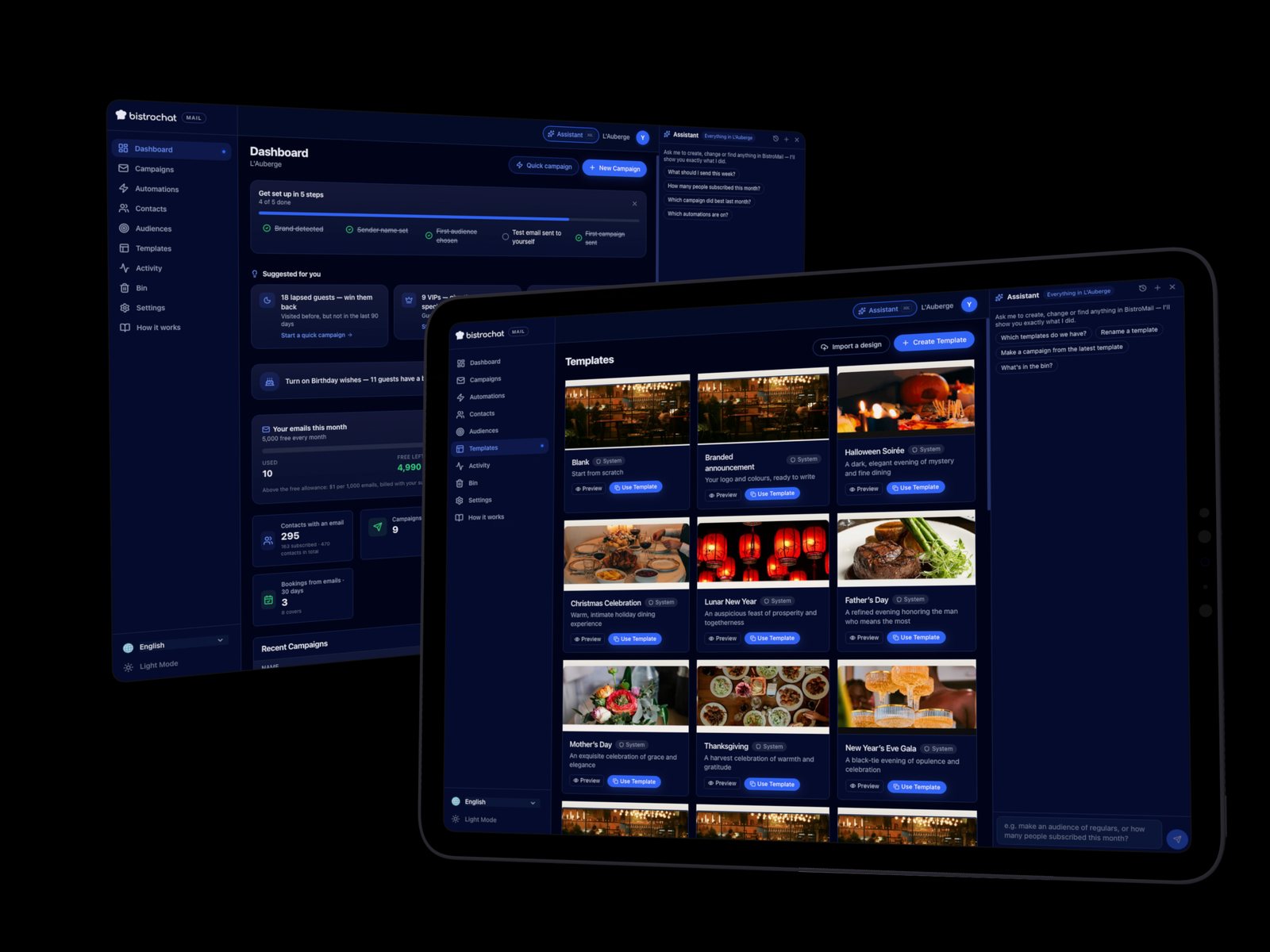
Because waitlist guests land in the same unified CRM that syncs to Mailchimp, Brevo, Mailjet or Sendinblue, you can pull "everyone waitlisted in the last month" and send them a midweek offer — a set menu, a happy-hour deposit-free slot, a first-refusal invite for a date they choose. It's a warmer list than a general newsletter, because every name on it already tried to book. Demand you couldn't seat on your busiest night becomes the exact audience that fills your slowest one.
Multi-venue groups: one waitlist logic, per venue or across the group
For a group running several venues, waitlist data rolls up the same way the rest of the guest CRM does: you can see who's waitlisting where, and use the group booking page to offer a waitlisted guest a table at a sister venue with room that night instead of losing the booking entirely. We cover the shared-CRM and cross-venue side of this in more detail in our piece on multi-venue restaurant group management.
Setting it up
There's no separate app or paper list to retire. The waitlist is part of the same reservation and table management system already running your bookings — your host stand adds walk-ins to it directly, your online booking flow offers it automatically once a shift is full, and notifications go out on the channels you already use with guests. Nothing extra to configure per service.
FAQ: restaurant waitlist management
How does a guest get notified when a table opens? Your host picks who gets seated from the waitlist — so a VIP doesn't lose their place to whoever happened to join first — and the moment they choose, that guest gets an automatic SMS or WhatsApp notification. No one on your team has to call down a list by hand.
Does the waitlist replace my reservation book? No. It runs on the same floor plan and the same system as every other booking channel, so there's nothing separate to keep in sync.
What happens to guests who join but never get seated? They stay in your guest CRM as a captured lead — contact details and the date they tried to book — so you can reach them later instead of losing the demand entirely.
Can I use the waitlist for marketing, not just seating? Yes. Because waitlisted guests sit in the same CRM that syncs to your email platform (Mailchimp, Brevo, Mailjet, Sendinblue), you can target them directly for quieter shifts.
Does this work across multiple venues in a group? Yes — waitlist and guest data roll up the same way the rest of the CRM does, so a group can offer a waitlisted guest a seat at a sister venue with availability.
What does it cost? It's part of the same flat monthly subscription per venue — no extra fee per waitlist guest or per notification sent.
A full night shouldn't mean lost guests or an empty table later on — get in touch to see how the waitlist plugs into the rest of your booking system.