Stop Wasting Ad Spend: How to Track Google Ads Conversions for Your Restaurant (with Bistrochat)
Let's be honest, in the fast-paced world of restaurants, every penny counts. You're constantly looking for ways to fill those seats, and Google Ads often feels like a necessary evil. You pour hundreds, sometimes thousands, into campaigns, hoping they're bringing in diners. But do you really know which ads are working? Which keywords are driving actual reservations, not just clicks? For far too long, many restaurant marketers have been flying blind.
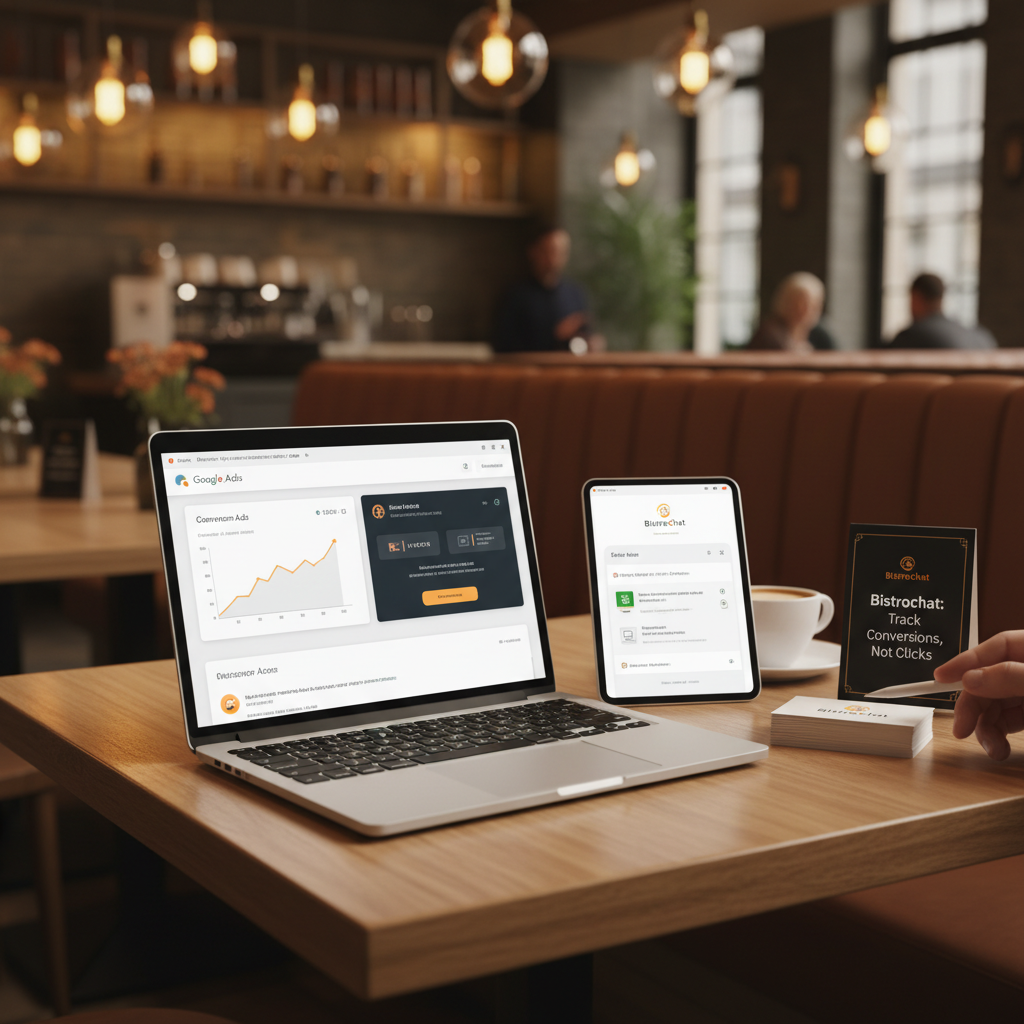
That's where Google Ads conversion tracking comes in, and with Bistrochat's latest update, it's easier than ever for restaurants to connect the dots between an ad click and a confirmed reservation. This isn't just about vanity metrics; it's about making data-driven decisions that directly impact your bottom line. It's about proving your ad spend is actually filling your tables.
The Disconnect: Why Most Restaurants Struggle with Google Ads ROI
Many restaurant owners and marketers run Google Ads campaigns with a simple goal: get more people to click through to their website or booking page. They track clicks, maybe even website visits. But here's the problem:
- Clicks don't equal covers: Someone might click your ad, browse your menu, and leave without booking. Was that ad successful? From a booking perspective, no.
- Website visits don't equal reservations: Similar to clicks, a high volume of website traffic from Google Ads doesn't automatically translate to a bustling dining room.
- Difficulty attributing success: Without proper tracking, it's hard to tell if that busy Tuesday night was due to your new Google Ad campaign, a social media post, or just word-of-mouth.
- Wasted budget: If you don't know what's working, you can't optimize. You end up spending money on campaigns or keywords that aren't actually generating revenue.
This lack of visibility leads to frustration and often, a hesitancy to invest further in digital marketing, even when it has the potential to be incredibly effective.
The Solution: Google Ads Conversion Tracking for Reservations
Conversion tracking is the process of recording when a customer completes a desired action (a "conversion") after interacting with your ad. For a restaurant, the most critical conversion is a confirmed reservation. By tracking this, you gain invaluable insight into which parts of your Google Ads strategy are actually leading to people sitting down at your tables.
When you implement conversion tracking, you can answer critical questions like:
- Which specific Google Ads campaigns are generating the most reservations?
- Which keywords are leading to bookings?
- How much does it cost me, on average, to acquire one reservation through Google Ads?
- Which ad copy and landing pages are most effective at converting visitors into diners?
This data empowers you to optimize your bids, refine your keywords, improve your ad copy, and ultimately, get a much higher return on your advertising spend.
Introducing Bistrochat's Integration: Closing the Loop with Google Ads Conversion Labels
We heard you loud and clear. Connecting your ad efforts directly to your booking system has been a missing piece for many. That's why Bistrochat now fully supports Google Ads Conversion Labels. This powerful integration allows you to directly send conversion data from Bistrochat's reservation platform back to your Google Ads account, specifically identifying a confirmed reservation as a conversion.
What does this mean for you?
- Accurate Attribution: Know exactly which ad click led to a reservation.
- Optimized Bidding: Google's smart bidding strategies can now optimize for actual reservations, not just clicks, dramatically improving campaign performance.
- Clear ROI: Easily demonstrate the value of your Google Ads investment to your team and stakeholders.
- Smarter Decisions: Reallocate budget from underperforming campaigns to those that consistently fill seats.
Step-by-Step: Setting Up Google Ads Conversion Tracking with Bistrochat
Setting this up is simpler than you might think. Here's a breakdown of the process:
Step 1: Create a Conversion Action in Google Ads
- Log in to your Google Ads account.
- Navigate to Tools and Settings (the wrench icon) in the top right corner.
- Under "Measurement," click on Conversions.
- Click the blue "+" button to create a new conversion action.
- Select Website as the conversion type.
- For the category, choose Purchase or Submit lead form – for reservations, either works, but "Purchase" can be good if you take deposits, otherwise "Submit lead form" is a common choice.
- Name your conversion something clear, like "Bistrochat Reservation" or "Confirmed Table Booking."
- For "Value," we recommend selecting "Use different values for each conversion" and setting a default value. This allows you to assign an estimated average revenue per reservation, giving you even richer data. For example, if your average check per person is $50 and a typical reservation is for 2 people, you might set a value of $100.
- Set "Count" to Every. This is important because you want to count every reservation that comes through, not just one per user session.
- For the conversion window and attribution model, you can usually stick with the defaults (e.g., 30-day click-through conversion window, Data-driven attribution model), but adjust if your customer journey typically takes longer or you prefer a different model.
- Click Done.
Step 2: Get Your Conversion ID and Label
After creating your conversion action, Google Ads will present you with options for setting up the tag. Since Bistrochat handles the integration, you'll need two pieces of information:
- Your Google Ads Conversion ID (often starts with
AW-) - Your Google Ads Conversion Label (a string of letters and numbers for that specific conversion action)
You'll find these by selecting "Use Google Tag Manager" or "Email tag instructions" and looking for the AW- ID and the label specific to your "Bistrochat Reservation" conversion.
Step 3: Input into Bistrochat
This is where Bistrochat makes it simple:
- Log in to your Bistrochat dashboard.
- Navigate to your Integrations or Settings section.
- Find the Google Ads Integration (or similar naming).
- Enter your Google Ads Conversion ID and Conversion Label into the designated fields.
- Save your changes.
That's it! Bistrochat will now automatically send a conversion signal to Google Ads every time a reservation is successfully completed through your Bistrochat booking widget or direct booking link, tied back to the original ad click.
The Power of Knowing: What You Can Do with This Data
Once your conversion tracking is live, you'll start seeing real data flow into your Google Ads account. Here's how to leverage it:
- Identify Your Best Performers: In Google Ads, view your campaigns, ad groups, and keywords, and sort by the "Conversions" column. You'll quickly see which elements are generating actual reservations.
- Optimize Your Bids: Increase bids on keywords and ad groups that are highly converting, and decrease or pause those that aren't.
- Refine Your Ad Copy: Test different headlines and descriptions. The ones that lead to more conversions are the winners.
- Improve Landing Pages: If an ad brings lots of clicks but few conversions, it might be that your booking page or menu isn't compelling enough, or the booking process is too clunky. Use this insight to optimize your website experience.
- Calculate True CPA (Cost Per Acquisition): Divide your ad spend by the number of reservations to get your true cost per reservation. This is a vital metric for budgeting and profitability.
- Demonstrate ROI: Show your team concrete numbers: "This campaign brought in X reservations, generating Y revenue for a cost of Z." This is powerful for securing future marketing budget.
A Real-World Example
Imagine you run two Google Ads campaigns:
- Campaign A: Targeting broad keywords like "restaurants near me" and "best dinner spots."
- Campaign B: Targeting more specific keywords like "[Your Restaurant Name] reservations" and "[Cuisine Type] restaurant [Your City]."
Before Bistrochat's integration, you might see Campaign A getting more clicks and assume it's more successful. But with conversion tracking, you might discover:
- Campaign A: 1000 clicks, 5 reservations (expensive cost per acquisition)
- Campaign B: 300 clicks, 25 reservations (much lower cost per acquisition, higher ROI)
Suddenly, your strategy shifts. You might reallocate budget from Campaign A to Campaign B, refine Campaign A's keywords to be more specific, or improve its ad copy to better qualify visitors. This is the power of data-driven marketing.
Don't Let Your Ad Spend Be a Black Hole Any Longer
In the competitive restaurant landscape, every marketing dollar needs to work as hard as possible. By leveraging Bistrochat's new Google Ads Conversion Labels integration, you're no longer guessing. You're making informed decisions that directly lead to more filled seats and a healthier bottom line.
Stop simply tracking clicks and start tracking true success – confirmed reservations. It's time to prove your ad spend is working and make Google Ads a truly profitable channel for your restaurant.